





Funded by the European Union. Views and opinions expressed are however those of the author(s) only and do not necessarily reflect those of the European Union or the European Education and Culture Executive Agency. Neither the European Union nor the granting authority can be held responsible for them.

Open Educational Resources for VET education

What is included in the Open Educational Resources for VET education?

Fifteen resources that take learners beyond the slides and into practical work.

The programme is built on the principle that heating and cooling skills are learned by doing. These resources are what make that possible — and every one is free to access.

Video tutorials — Short, focused instruction on tools and techniques. Most are available as downloadable PDF as well as video, so learners with limited data aren't excluded.

Planning tools — Free, browser-based software that lets learners model a real heat network for their own town, or run calculations on real European energy data. No installation needed.

Case studies — Real projects with real figures, including a Latvian network combining thermal storage, a solar collector field and recovered data centre heat.

Workplace projects — Three structured tasks your learners complete on an actual site, each with a data collection sheet, assessment criteria and a supervisor sign-off. These carry the practical assessment for the programme.

Before you use them: most of these resources are published by other organisations under their own licences. Check each one's terms before redistributing. The workplace projects are ours and are CC BY 4.0.

New to the programme? Start with the trainers' guide,  it explains which resource fits which module.

Video tutorials

Virtual labs

Case studies

Workplace projects

VET-01 THERMOS training webinar series

Format
Video tutorials
Origin
THERMOS project (Horizon 2020)
Location
Webinar 1
Webinar 2 
Webinar 3
Maps to
Modules 1, 4 and 5
Hands-on element
Each webinar is paired with a multiple-choice knowledge check at source
How to use
• Webinars covering district heating and cooling, thermal demand and supply in Europe, key stakeholders and financing options.
• Available as video with script.

VET-02 THERMOS software demonstration video

Format
Video tutorials
Origin
THERMOS project (Horizon 2020)
Location
Training Pathway 1
Training Pathway 2
Training Pathway 3
Maps to
Modules 1 and 4
Hands-on element
Prepares the learner to use the THERMOS software directly (see VET-06)
How to use
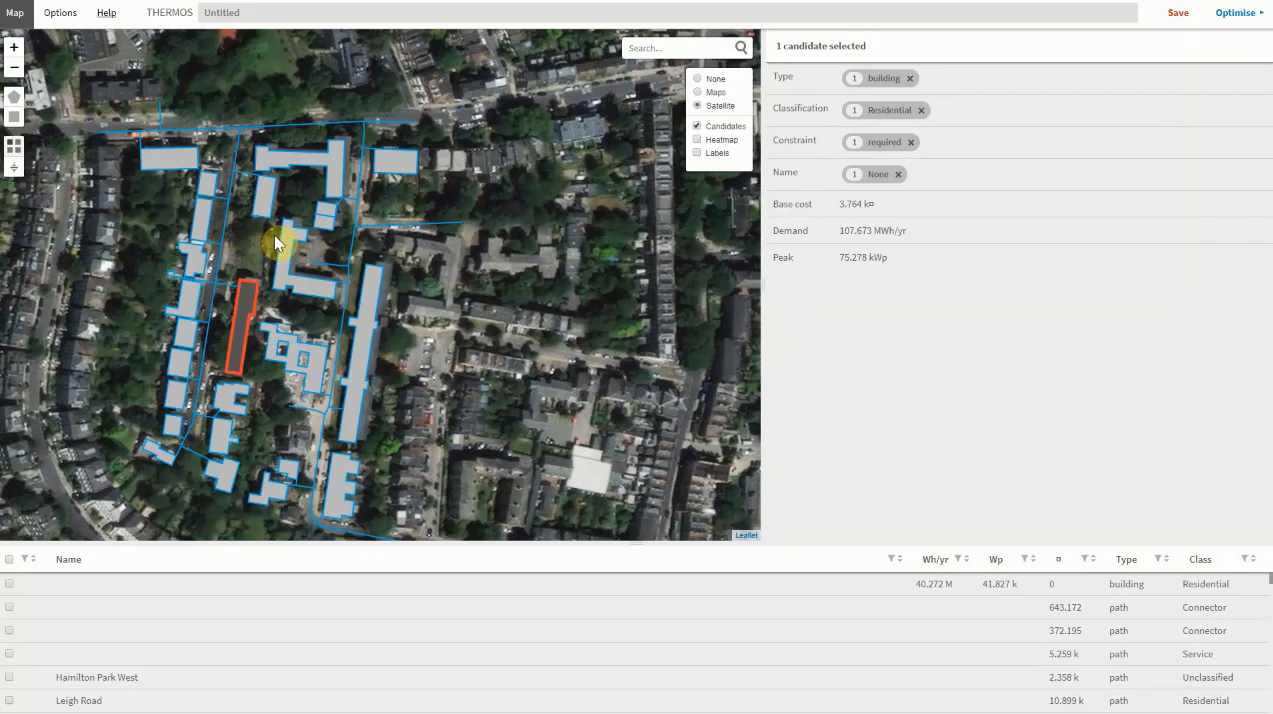
Walkthrough of the THERMOS tool for energy system mapping and modelling.

VET-03 BUILD UP audio-visual resource library

Format
Video tutorials
Origin
European Commission BUILD UP portal
Location
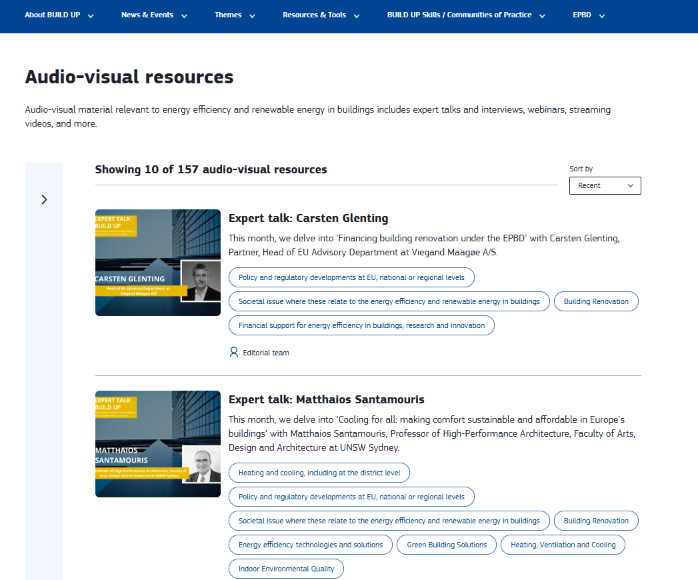
Build Up - Audio-visual material relevant to energy efficiency and renewable energy in buildings includes expert talks and interviews, webinars, streaming videos, and more. Click image below to view the video materials.
Maps to
Modules 2, 3, 5 and 6
Hands on element 
Varies by item; some show procedures and some are knowledge presentations
How to use 
Videos, expert talks and webinars on building renovation, HVAC, energy efficiency and smart buildings.

VET-04 Ruiz Picasso 11 — deep retrofit video case study

Format
Video tutorials
Origin
European Commission BUILD UP portal
Location
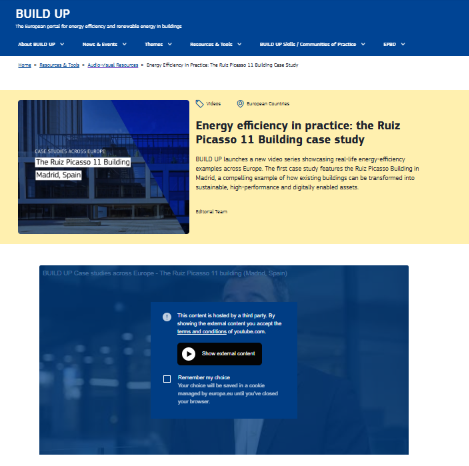
Energy efficiency in practice: the Ruiz Picasso 11 Building case study
BUILD UP launches a new video series showcasing real-life energy-efficiency examples across Europe. The first case study features the Ruiz Picasso Building in Madrid, a compelling example of how existing buildings can be transformed into sustainable, high-performance and digitally enabled assets.
Maps to
Modules 1 and 2
Hands-on element
Pairs with the workplace project in VET-13
How to use
• Video case study showing an existing building transformed into a high-performance, digitally enabled building.
• Use as the worked example before learners attempt the transition impact note in VET-13.

VET-05 Pan-European Thermal Atlas (Peta4) video tutorial

Format
Video tutorials
Origin
Heat Roadmap Europe / Aalborg University
Location
An overview of some key features in version 4 of the Pan-European Thermal Atlas, which is freely accessible from: www.heatroadmap.eu/maps.php

This online tool presents the heat demand and excess heat potential across the EU's 14 largest countries (by heat demand).
Maps to
Modules 1 and 4
Hands-on element
Prepares the learner to use the Peta4 mapping tool directly
How to use
• Short tutorial introducing the ten data layers covering heat demand density, prospective supply areas and excess heat potential across 14 EU countries.
• Use as the introduction to a spatial analysis exercise on the learner's own town or region.
• Requires no software installation, which makes it usable in a classroom with only browsers available.

VET-06 THERMOS energy system mapping and modelling software

Format
Virtual lab
Origin
THERMOS project (Horizon 2020)
Location
Click image below to explore
Maps to
Modules 1, 4 and 5
Hands-on element
The learner builds and optimises a real district heating network
How to use
• Learners map an area, model a district heating network and test alternative configurations against cost and carbon.
• The closest available equivalent to a virtual lab in this subject area, and the only one found that models at network rather than appliance level.
• Suggested exercise: model a network for the learner's own town, then compare the result with the THERMOS case study collection in VET-10.
• Pair with the demo video in VET-02 so learners arrive already oriented.

VET-07 Hotmaps toolbox and calculation modules

Format
Virtual labs
Origin
Hotmaps project (Horizon 2020)
Location
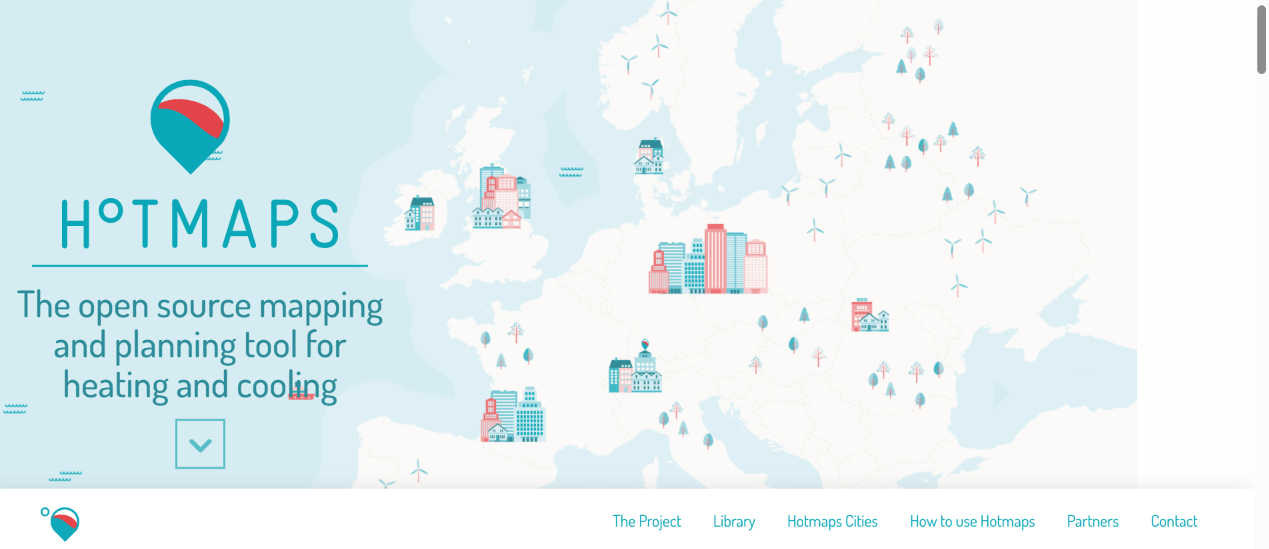
Click image below to visit Hotmaps
Maps to
Modules 1, 4 and 5
Hands-on element
The learner runs calculations and produces their own results
How to use
• Open-source toolbox with calculation modules for heat density mapping, district heating potential, and solar and shallow geothermal potential.
• Over 70 open data repositories behind it, so learners work with real data rather than invented figures.
• At EQF 4 the calculation modules are more accessible than the full toolbox. Provide a short guided worksheet rather than leaving learners to explore.
Maps to
Modules 2, 3, 5 and 6
Hands on element 
Varies by item; some show procedures and some are knowledge presentations
How to use 
Videos, expert talks and webinars on building renovation, HVAC, energy efficiency and smart buildings.

VET-09 Construction Blueprint — Renewables — training module with worked examples and case study

Format
Training resources with case studies
Origin
Construction Blueprint (Erasmus+ Sector Skills Alliance)
Location
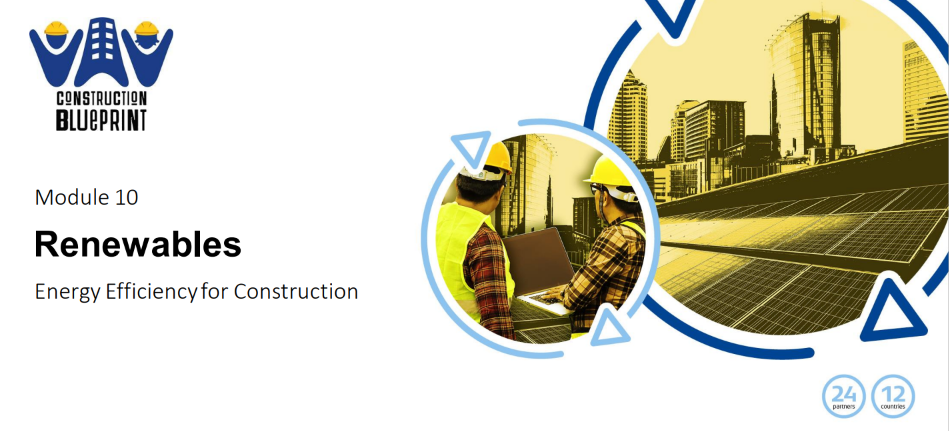
A Construction Blueprint training module covering renewable heating and cooling, heat pump efficiency and solar systems at EQF 3–5, with worked PV calculations and an Irish NZEB case study. Free to download, available in ten languages. Regulatory content is Ireland-specific and needs national substitution.
Maps to
Modules 1, 3 and 5
Hands-on element
Two worked PV output calculations the learner redoes with local irradiation and roof data, plus an end-of-module assessment quiz.
How to use
Use the heat pump section with Module 3. The operating temperature content is the most useful part: it explains why 35 °C underfloor beats 45 °C radiators, why most units cap at 50–55 °C, and why domestic hot water ne
eds a booster to reach 60 °C.

Set the two worked PV sizing calculations as a classroom exercise. Learners redo them with local irradiation values, which surfaces the Ireland-specific data without you having to point it out.

Use the Madeira Oaks case study to make the cost argument concrete. It was built to NZEB and Passive House standard at no extra cost over standard construction, which answers the objection learners hear most often on site.

Substitute the regulatory content. Irish building regulations, planning exemptions and solar data all need replacing with national equivalents before use.

VET-10 THERMOS city and ambassador case study collection

Format
Case studies
Origin
THERMOS project (Horizon 2020)
Location
Visit the case studies document by clicking image below
Maps to
Modules 1 and 4
Hands-on element
Learners compare their own THERMOS model against a real city case
How to use
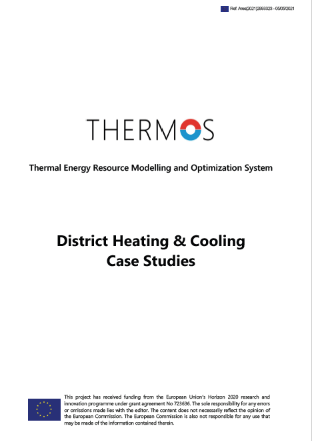
• Collection of city and ambassador case studies, including Eurométropole de Strasbourg assessing a district heating network for Lingolsheim, France.
• Designed to be used alongside the THERMOS software, so it pairs directly with VET-06.
• Suggested exercise: model the same case in the software, then compare the learner's result with the published outcome and account for the difference.


VET-11 DEEP — real renovation project data platform

Format
Case studies
Origin
European Commission BUILD UP / DEEP platform
Location
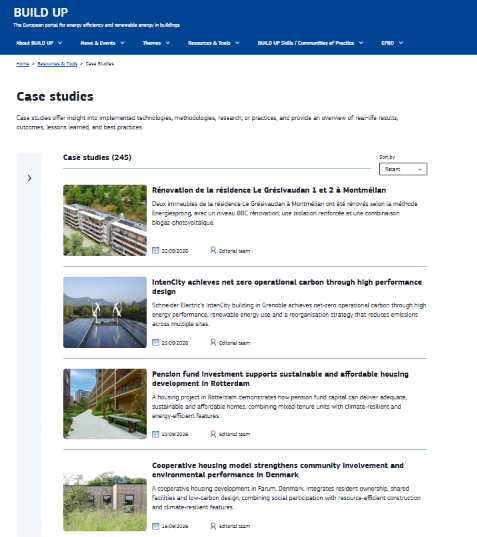
Build Up - Case studies offer insight into implemented technologies, methodologies, research, or practices, and provide an overview of real-life results, outcomes, lessons learned, and best practices.
Maps to
Modules 1, 2 and 7
Hands on element 
Learners interrogate real project data to compare options
How to use 
• Real project data covering renovation costs, energy savings, technologies and payback periods.
• Suggested exercise: given a building type and budget, use the platform to identify which measures have delivered the best payback in comparable real projects.
• Moves learners from generic cost statements to evidence

VET-12 Salaspils district heating — storage, solar and recovered heat

Format
Case studies
Origin
Adapted to EQF 4 by EUEI from case study material developed by Riga Technical University for the RePower Regions CVET course, Module 4
Location
Energy efficiency in practice: the Ruiz Picasso 11 Building case study
BUILD UP launches a new video series showcasing real-life energy-efficiency examples across Europe. The first case study features the Ruiz Picasso Building in Madrid, a compelling example of how existing buildings can be transformed into sustainable, high-performance and digitally enabled assets.
Maps to
Modules 1 and 2
Hands-on element
A six-question comparison table the learner completes across the three parts of the projec
How to use
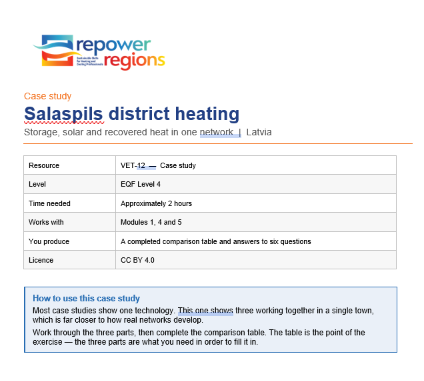
• A single Latvian network combining three technologies: an 8,000 m³ thermal storage tank, a 21,672 m² solar collector field supplying around 20% of annual heat, and a planned data centre waste heat recovery project.
• The comparison table is the exercise. Learners read the three parts in order to complete it, rather than reading the case for its own sake.
• Six discussion questions follow, including why a 90% renewable network still needs a 3 MW wood chip boiler — the question that forces learners to reason about seasonality.
• Allow two hours. Works well in pairs, with the comparison table completed individually first and then compared.
• The data centre element is a planned project, not a completed one. The resource says so clearly, but check the current status before teaching it.

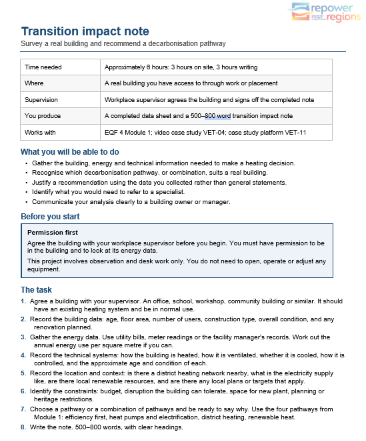
VET-13 Workplace project: transition impact note

Format
Workplace project
Origin
Repower Regions
Location
Click image to download Workplace project below
Maps to
Modules 1 and 7
Hands-on element
Completed on a real building the learner has access to
How to use
• Derived from the scenario and applied task already present in EQF 4 Module 1, converted from a classroom exercise to a site-based one.
• The learner surveys a real building, gathers the building and energy data listed in Module 1, recommends a pathway and writes a 1–2 page note.
• Includes a data collection sheet, a supervisor sign-off sheet and the assessment criteria already drafted in Module 1.
• Lowest-effort item in this register: the task, format and assessment criteria exist and need reformatting rather than writing.


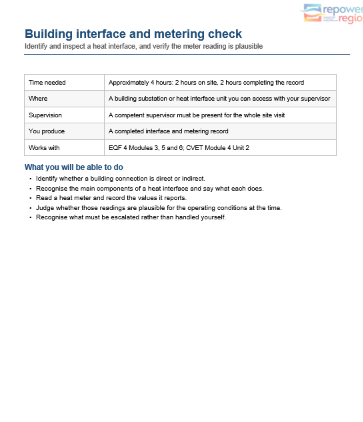
VET-14 Workplace project: building interface and metering check

Format
Workplace project
Origin
Repower regions 
Location
Click image to download Workplace project below
Maps to
Modules 3, 5 and 6
Hands-on element
Non-invasive inspection of a real substation or heat interface unit
How to use
• Derived from the acceptance checks and meter verification content in CVET Module 4 Unit 2.
• The learner identifies the interface arrangement, carries out the authorised non-invasive checks, records meter readings and plausibility checks, and documents what would be escalated.
• Includes the identify / inspect / read structure and the escalation list already written in the source material.
• Safety framing is essential: the task must state clearly that it covers visual and documentary checks only.


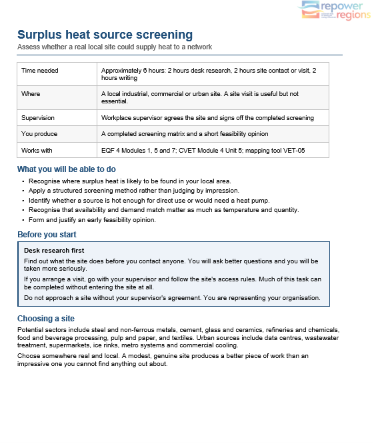
VET-15 Workplace project: surplus heat source screening

Format
Case studies
Origin
Repower Regions
Location
Click image to download Workplace project below
Maps to
Modules 1, 5 and 7
Hands on element 
Screening a real local site as a potential heat source
How to use 
• Derived from the eleven-row screening matrix in CVET Module 4 Unit 5.
• The learner identifies a local industrial, commercial or urban site, works through the screening questions, and produces a short feasibility opinion.
• The matrix is already written and works as a fillable worksheet with almost no adaptation.
• Suits group work: different learners screen different local sites and compare findings.
menu